Product Photos That Look Studio-Ready
Clean backgrounds, controlled light, and lifestyle scenes.
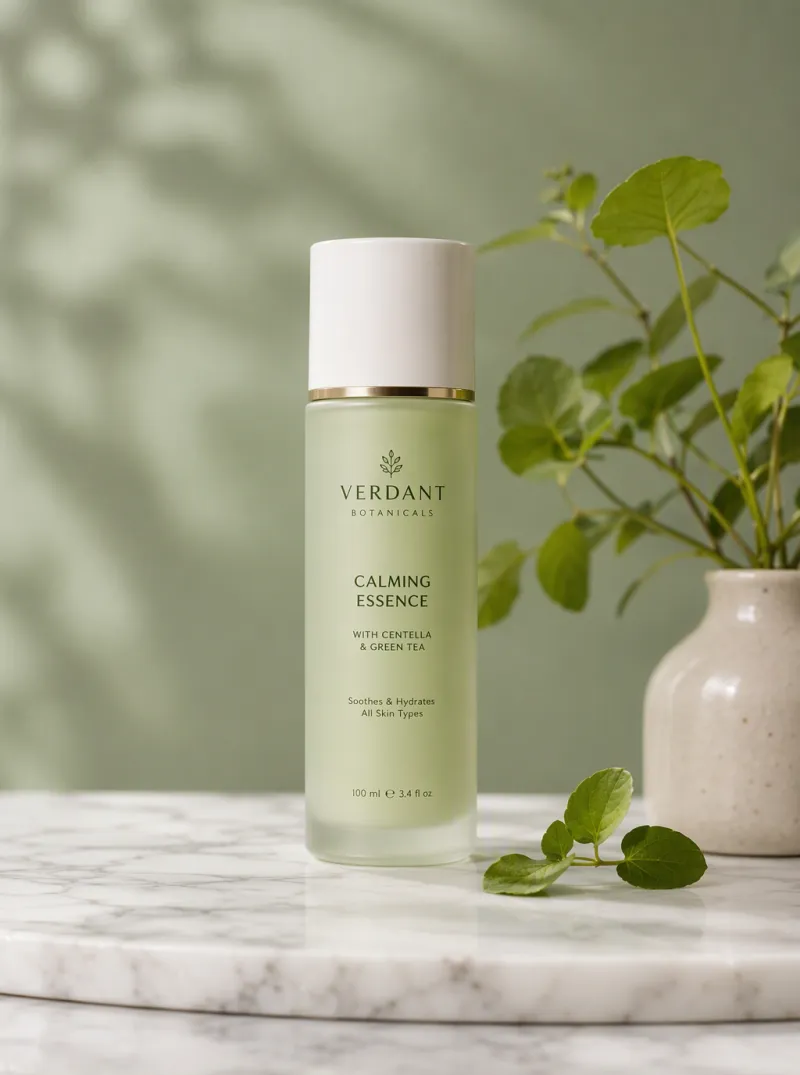
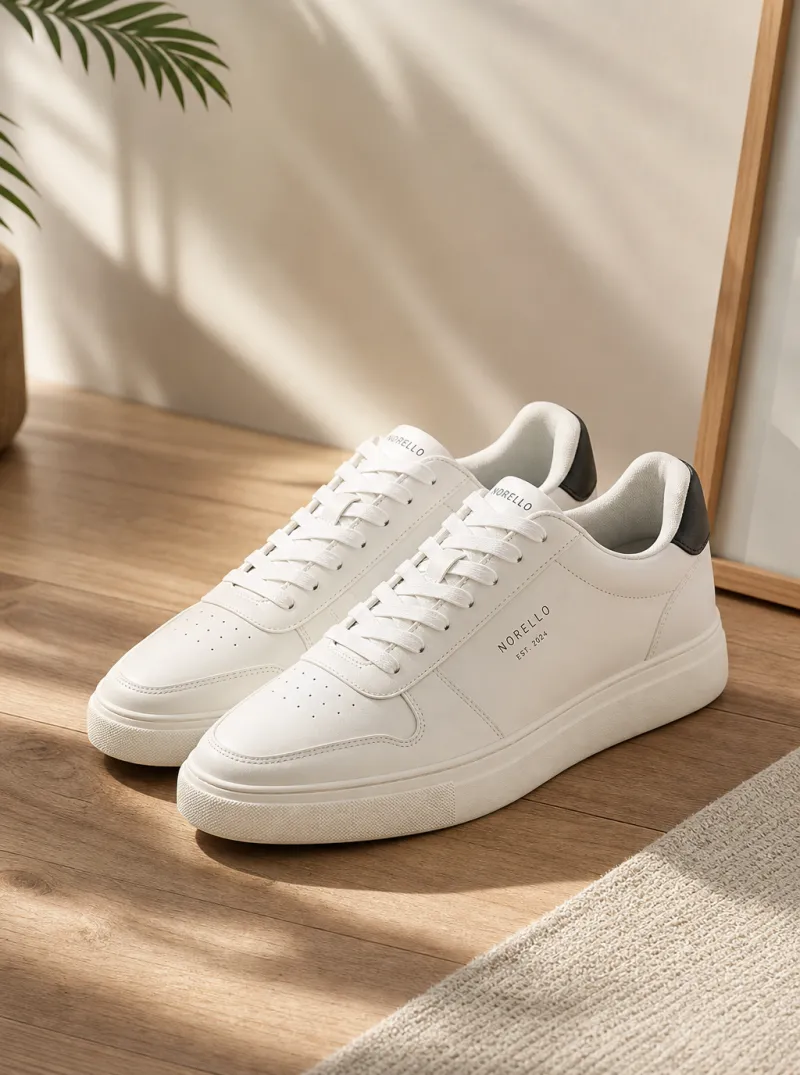

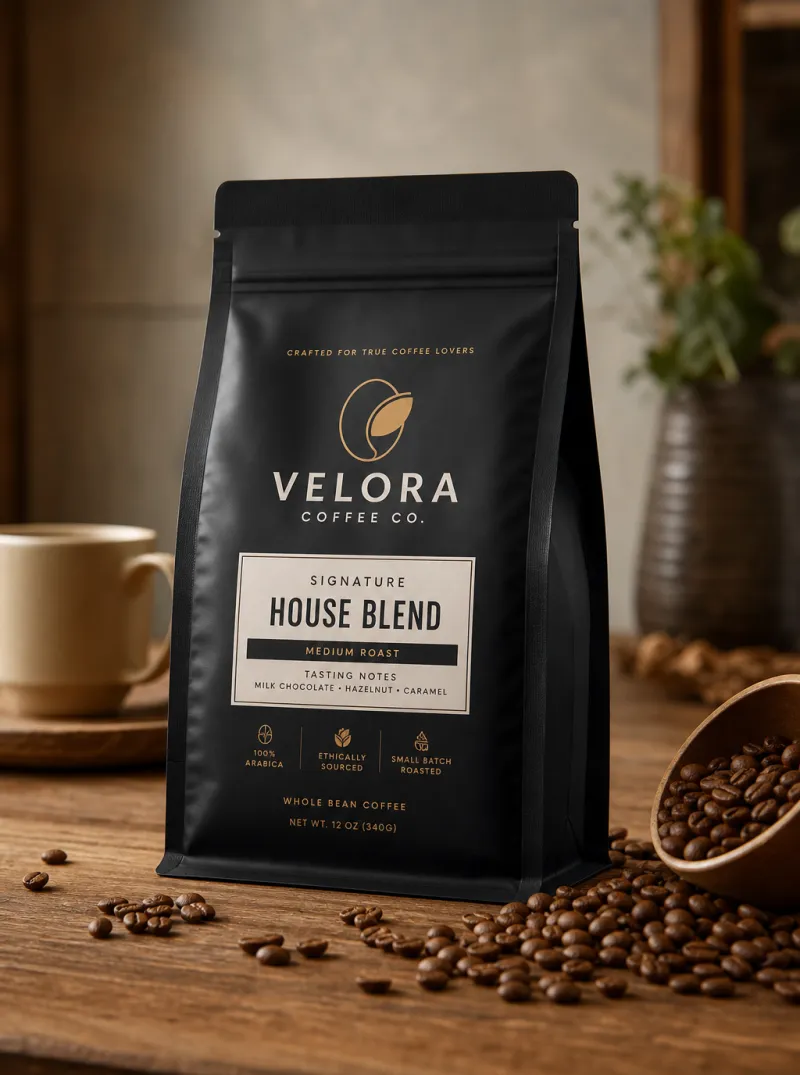

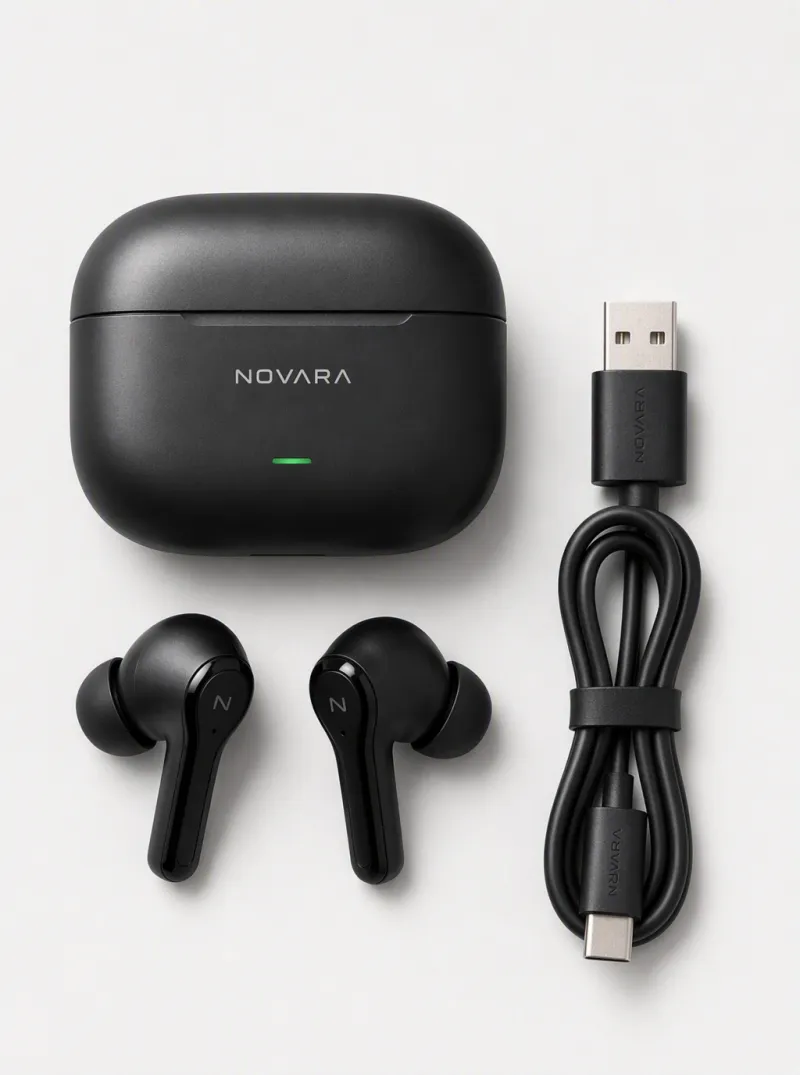
How to Create AI Product Photos in Three Steps
Upload Your Product Photo
Drop in any product image — even a photo taken on your phone. No studio setup required.
Choose a Scene or Background
Pick from 100+ professional backgrounds: clean studio, lifestyle settings, seasonal themes, and custom environments.
Download and Publish
Get 4K-resolution images optimized for your store, social media, or ad campaigns — export in seconds.
Why E-Commerce Brands Choose iMini AI for Product Photos
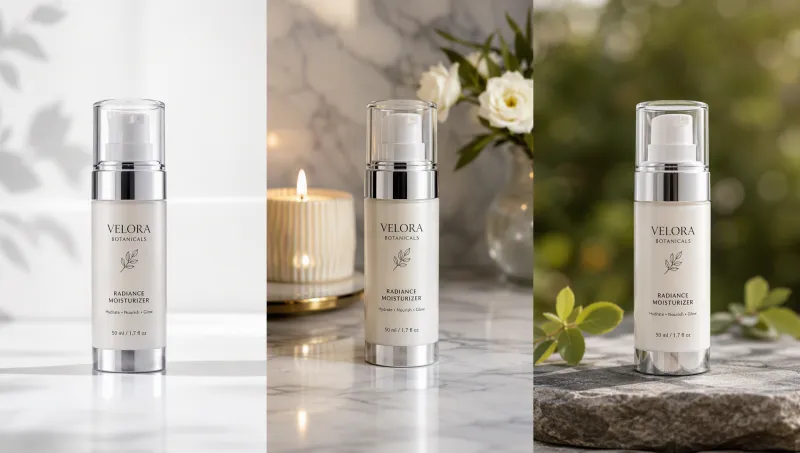
Any background. Every product.
From clean studio white to rich lifestyle environments
Choose from over 100 professionally designed backgrounds — pure studio whites, natural textures, seasonal settings, and branded environments. Or describe a custom scene and let the AI build it from scratch.
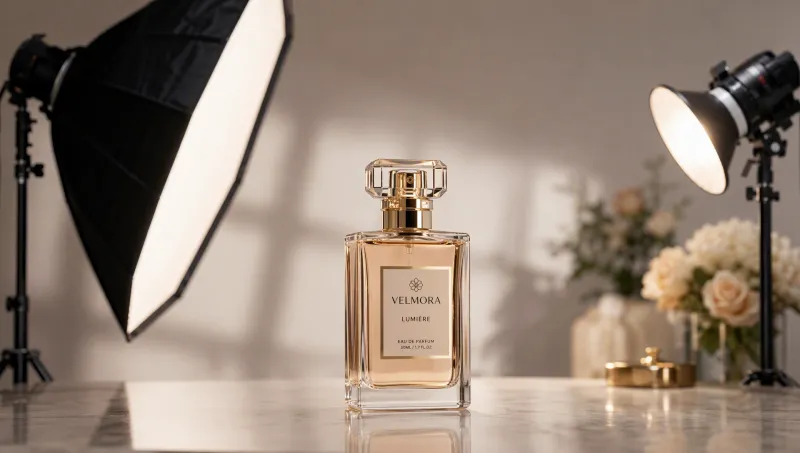
Studio lighting. Zero setup.
Soft boxes, rim light, natural daylight — all generated
iMini AI applies professional lighting to every product shot automatically. Soft diffused light, dramatic shadows, or natural daylight — each look is optimized for the product type and background you choose.
Entire catalogs. One workflow.
Process hundreds of SKUs at once
Upload your full product catalog and generate consistent, on-brand images for every SKU in one run. What used to take days of studio time now takes minutes — at a fraction of the cost.

Trusted by e-commerce brands and creative teams worldwide
"We used to spend $3,000 per product shoot. With iMini AI we produced 200 SKU images in one afternoon and cut our photography budget by 80%."
"My phone photos looked amateur next to competitors. After processing them through iMini AI's product photography tool, my conversion rate went up 35% in the first month."
"Seasonal campaigns used to require a full shoot. Now I generate 20 on-brand product variants for a new scene in under an hour. The consistency across SKUs is impressive."
Frequently Asked Questions
Product photography tips and AI creative guides
Practical tutorials on shooting, editing, and scaling your e-commerce visuals — updated weekly.


Create product photos on iMini AI
Turn everyday product shots into cleaner listing visuals — without booking a studio day.
Start free. No credit card required.